A website audit is useful when it helps you decide what to fix next. A long list of warnings is less helpful if nobody on your team knows which ones affect customers or how to resolve them.
For a small business, start with Google Search Console to investigate your presence in Google. Consider Seobility for a browser-based audit, Screaming Frog for detailed crawling, Sitebulb for guided technical analysis, or Minineo when you also need to plan and publish content after reviewing the findings.
The right choice depends on your website, budget and who will make the changes. You may need one paid product alongside Search Console, rather than subscriptions to several overlapping platforms.
How we selected these website audit tools
We selected these tools for their audit coverage, entry options, technical requirements and usefulness to a small team. The comparison is based on official documentation; we have not run a side-by-side accuracy test.
This guide is published by Minineo, which is included below. Each recommendation explains its use case and limitations.
Website audit tools compared
Plan details checked November 15, 2026. Confirm applicable taxes and the checkout total before purchasing.
| Tool | Consider it for | Entry option | Main consideration |
|---|---|---|---|
| Google Search Console | Investigating Google indexing and search performance | Free | Not a complete crawl of every website issue |
| Seobility | Auditing a small website in your browser | Free Basic account: one project, 100 pages per crawl, limited audit | Check whether your site fits the free allowance |
| Screaming Frog SEO Spider | Inspecting URLs, links, redirects and metadata | Free version: up to 500 URLs per crawl | Advanced features require a paid licence |
| Sitebulb Desktop | Technical auditing with explanations and visual reports | 14-day trial; Lite allows 10,000 URLs per audit | Desktop installation and technical follow-through |
| Minineo | Connecting audit findings with content creation and publishing | Free one-time website scan; Pro ₹2,999/month, billed monthly | Assess deep technical requirements separately |
1. Google Search Console: start with Google’s own evidence
Search Console is a free service for monitoring and troubleshooting your site’s presence in Google Search. It reports search queries, impressions and clicks, and helps investigate indexing problems. Google’s service overview explains its scope.
Use it when an important service or product page is missing from search, or when you need to understand which pages already attract visitors. It provides a baseline alongside a separate audit tool.
Best fit: Every small business that relies on Google discovery.
Limitation: It is not a comprehensive usability review or an exhaustive list of broken links. You still need to examine the website itself.
2. Seobility: a browser-based option for smaller sites
Seobility offers website auditing for technical and on-page issues. Its free Basic account currently includes one website project and a limited audit of 100 pages per crawl, according to its plan details.
That makes it worth considering for a compact business website. Count the pages you actually need checked before choosing the free option. A product catalogue can outgrow a small allowance quickly.
Best fit: An owner or marketer who wants a browser-based starting point.
Limitation: The free audit has limits. Do not assume it includes everything shown in a paid-plan demonstration.
3. Screaming Frog SEO Spider: detailed checks for someone comfortable with SEO
Screaming Frog is a desktop crawler for Windows, macOS and Linux. It can identify broken links, redirects, duplicate pages and metadata issues. Its free version crawls up to 500 URLs in one crawl.
The free edition restricts advanced capabilities, including JavaScript rendering and saving crawls. Those restrictions matter if you need rendered-page analysis or want to retain audit projects for later work.
Best fit: A business with an SEO freelancer, developer or technically confident marketer who can interpret the exports.
Limitation: Detailed data still needs diagnosis. A URL returning an error is not automatically urgent if it is an intentionally removed page with no useful incoming links.
4. Sitebulb Desktop: technical findings with explanations
Sitebulb combines crawling with prioritized hints and visual reports. Its current Desktop plan comparison lists JavaScript crawling, crawl maps and Google Analytics/Search Console integrations across Lite and Pro.
Lite supports 10,000 URLs per audit. Pro adds capabilities such as audit comparisons and scheduled audits. A 14-day trial is available.
Best fit: A small business working with someone who needs both technical evidence and explanations to discuss the work.
Limitation: Desktop crawling uses your computer, and the findings still require implementation. Choose the plan for its required features as well as its URL allowance.
5. Minineo: audit findings followed by content work
Minineo’s website audit covers SEO issues, content gaps and AI visibility gaps. The platform also provides content creation and publishing, which makes it relevant when your next task is writing a missing article or improving the information available to buyers.
The current pricing lists one website scan on the free plan. Pro costs ₹2,999 per month on monthly billing and includes weekly automatic rechecks and site audits, plus content generation and publishing to WordPress and Shopify.
Best fit: A small marketing team that wants auditing and content work in one subscription.
Limitation: Do not treat an SEO or GEO score as proof that a page ranks or earns AI citations. If you require detailed rendering diagnostics or custom crawl configurations, verify those requirements separately before choosing a tool.
How to choose without buying overlapping subscriptions
Start with the page that matters to your business
Choose a service page, product category or booking page. Ask the tool to help answer a concrete question: can the page be discovered, does it contain the information a buyer needs, and are important links working?
Manually test the route from that page to an enquiry or purchase as well. A technical audit can flag a broken link without establishing whether the whole customer journey works.
Check the full cost of using the tool
Look beyond the advertised subscription. Establish whether you need a larger crawl allowance, another user, scheduled runs or developer support. Compare the billing period as well: an annual price divided by twelve is not a monthly contract.
For a small, rarely changed brochure site, occasional reviews may be enough. A store that changes products and collections frequently has a stronger reason for recurring checks. Treat this as a workload decision, not a requirement to buy the largest plan.
Evaluate the recommendations before the score
For each finding, look for the affected URL, the evidence, the likely consequence and a proposed fix. Open a few pages yourself to see whether the finding is accurate.
For example, a short contact page is not necessarily missing content. It may already do its job. Likewise, an intentional redirect is not automatically a fault. The report should support a decision rather than encourage you to eliminate every warning.
What to fix after your first audit
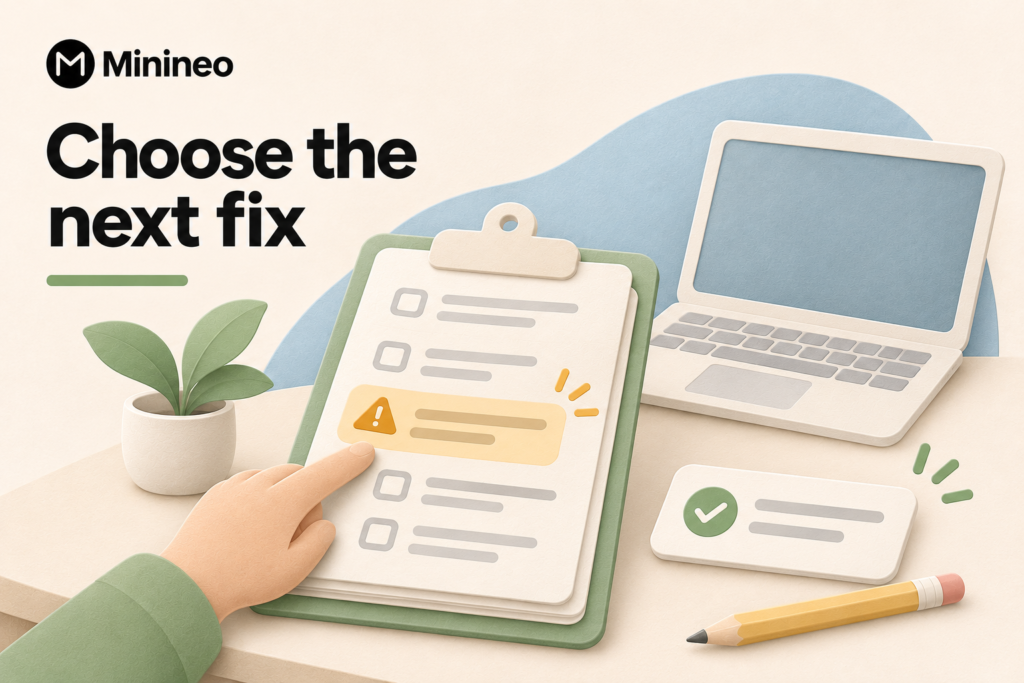
Use this order as a practical starting point, then adjust it to your website:
- Restore access to important pages. Investigate unexpected errors or restrictions affecting product, service and contact pages.
- Repair paths customers use. Check navigation, product links, enquiry forms and checkout journeys manually.
- Correct inaccurate information. Review prices, availability, service areas and product claims.
- Address relevant content gaps. Add missing answers where buyers need them, rather than generating pages simply to improve a score.
- Repeat the relevant checks. Record what changed and whether the original problem was resolved.
Keep the first task list short. Assign an owner and completion evidence to each item. “Fixed the broken enquiry link and submitted a test enquiry” is more useful than “improved website health.”
Does a website audit help with AI search visibility?
An audit can identify access or content problems worth investigating. It cannot guarantee that an AI answer engine will mention your business.
Google says its AI search features do not require special optimizations beyond the applicable SEO fundamentals. For other answer engines, distinguish website checks from observations of actual answers. Neither a high audit score nor a completed checklist establishes that your site has been cited.
Frequently asked questions
Start with Search Console for Google search evidence. Add a crawler or audit service when you need to inspect the website itself. The right free option depends on your URL count and whether you need advanced features.
Do not assume it can. Technical crawling, accessibility, security, content accuracy and purchase journeys need different checks. This shortlist focuses on SEO and content auditing, not a full security or accessibility assessment.
No. Validate findings and prioritize those affecting important pages or customers. Some warnings describe intentional configurations, and some recommendations will have little relevance to your business.
Choose the tool you can act on
If you need technical diagnosis, choose a crawler and make sure someone can implement the findings. If the work is mainly identifying missing content and publishing it, consider a platform that supports that workflow. Start with one important page, establish what needs changing and use the result to decide whether a paid plan is worthwhile.
Start with Minineo’s free website scan to review your site before committing to ongoing auditing and content production.