For a Shopify store with a small marketing team, the best GEO tool is the one that addresses the discovery problem you can act on. Minineo is worth comparing for buying-guide content and blog publishing, OtterlyAI for monitoring AI recommendations, StoreSEO for product SEO maintenance, and GEOly for category research.
Running WordPress instead? See our comparison of the best GEO tools for WordPress.
These tools do different jobs. A store with inaccurate product details needs a different first purchase from a store with a clean catalog and no idea which brands ChatGPT recommends. This guide compares those jobs, the documented Shopify connections and the limits to check before paying.
How we compared these Shopify GEO tools
Minineo publishes this guide and is one of the options discussed. We checked official product documentation, pricing and Shopify App Store listings on November 6, 2026. This is a comparison of documented capabilities, with recommendations based on the work a small team needs to complete. We have not run a controlled test of these products or measured sales improvements from them.
We prioritized a clear Shopify use case, a manageable starting workflow and transparent limits. The list includes content, monitoring and product-optimization tools because those functions should not be treated as interchangeable.
Best GEO tools for small Shopify teams: comparison
| Tool | Main reason to consider it | How it fits Shopify | Price reference |
|---|---|---|---|
| Minineo | Create buying guides and supporting blog content | External platform with documented Shopify blog publishing | Free plan; Pro ₹2,999/month on monthly billing. Plan details |
| OtterlyAI | Monitor brand mentions and cited sources for buyer questions | External monitoring; do not assume it updates your catalog | Lite US$29/month on monthly billing. Plan details |
| StoreSEO | Maintain product SEO and images | Shopify app with product optimization features | Free plan; Lite US$14.99 per 30-day billing cycle. App listing |
| GEOly | Explore category-level AI discovery signals | Shopify app with a benchmark-industry snapshot | App listed as free; verify access to deeper web-app reports. App listing |
Prices use the currencies and billing terms published by each vendor. Check taxes and paid extras at checkout. A free app installation does not necessarily include every report or workflow available from the provider.
First, check what Shopify already provides
Shopify’s product-discovery documentation explains that eligible products can reach AI channels through Shopify Catalog, alongside routes such as crawling and product feeds. Availability depends on store eligibility and the channel. Check your store’s status rather than assuming every merchant has the same access.
The same guidance prioritizes complete, structured product information and normal SEO practices. Before evaluating a GEO tool, review a few products customers frequently ask about. Are their materials, dimensions, variants, prices and availability accurate? Can a buyer find delivery and return information?
That review gives you a concrete purchase requirement. You may need help maintaining product information, writing an explanatory guide, or measuring answers about your category. “Make us visible in AI” is too broad to test during a trial.
1. Minineo: for buying guides and Shopify blog publishing
Minineo fits a store that needs useful editorial content but has limited time to turn ideas into published articles. Its documented features include website audits, content-gap analysis, blog generation and direct publishing to Shopify. It also connects with Google Analytics and Search Console.
A practical use would be preparing a material comparison, sizing guide or product-care article based on questions your customers ask. Your team still supplies and checks the product facts, relevant examples and links to the right products.
The current pricing page lists two blog posts per month on Free and 40 on Pro. Pro’s listed AI tracking covers ChatGPT, Gemini and Perplexity; other listed platforms require an add-on. Check prompt limits separately from publishing allowances.
Choose it if: your main gap is creating and publishing useful articles that support a purchase.
Check before buying: the exact content types you need to edit. The cited feature page documents Shopify blog publishing. That should not be read as confirmation of product, collection or catalog-feed editing.
2. OtterlyAI: for tracking buying questions and competitor mentions
OtterlyAI is a candidate when your store already has an editorial process and you want to see which brands appear for relevant questions. Its Lite plan lists 15 prompts checked daily, with ChatGPT, Google AI Overviews, Perplexity and Microsoft Copilot included. Gemini, AI Mode and Claude are add-ons.
Its optimization documentation also covers audits, recommendations and gaps in cited sources. That can inform which product explanation, comparison or third-party reference your team investigates next.
Choose it if: you want a repeatable view of brand discovery and cited sources for a focused set of shopping questions.
Check before buying: what the monitoring actually captures. Ask whether the answers come from a consumer interface or an API, which market is tested, and whether the results cover text recommendations, shopping listings or both. Do not assume a brand-mention report measures product-card placement or checkout activity.
3. StoreSEO: for product SEO and image maintenance
StoreSEO is the Shopify-native option here for maintaining product-page details. Its Shopify listing documents meta tags, image optimization, alt text, structured data and analytics connections. The free plan lists optimization for 25 products; Lite lists 100 products and additional allowances.
That makes it worth evaluating if routine catalog maintenance is the work your team cannot keep up with. Start with a small product group and review the generated text against the actual items before applying changes more widely.
Choose it if: incomplete product SEO fields or unoptimized images are your immediate problem.
Check before buying: how product counts, image allowances and AI credits apply to your catalog. Also check whether your theme or another app already outputs the same structured data. Treat the documented optimization features separately from prompt-level AI visibility monitoring; ask to see the latter if it is a purchase requirement.
4. GEOly: for researching your category
GEOly has a narrower role in this shortlist. Its Shopify app listing describes choosing a benchmark industry and viewing leading brands, active topics and category-level AI visibility and traffic signals. It directs users to its web app for deeper reports.
Choose it if: you are still deciding which brands and topics to investigate in your category.
Check before buying additional access: confirm the report date, geography and how the signals are collected. Check whether your exact product category is represented. A broad market snapshot may be useful for research without answering how often your store appears for your own buyer questions.
The app is listed as free. Its stated category-research scope does not establish automated content publishing, product editing or sales attribution. Evaluate it for the research task it documents.
Which tool should a small Shopify store start with?
Use the problem you have already verified to choose the first trial:
- Customers cannot find clear answers about your products: review product information and compare StoreSEO’s maintenance features with what your current setup already handles.
- The catalog is accurate, but buying guides are missing: evaluate Minineo’s blog workflow using one question from customer support.
- You publish regularly but cannot measure AI recommendations: test a monitoring tool such as OtterlyAI with a fixed set of buyer prompts.
- You need an initial view of your category: explore GEOly’s snapshot and confirm whether its scope matches your market.
A store may eventually use more than one of these. Start with a task someone can own and complete. A report that nobody has time to investigate is an ongoing expense.
A practical trial for an ecommerce brand
Consider a fictional jewellery store selling lightweight earrings. It wants to understand discovery for workwear purchases and improve the information buyers use to choose a pair. This is an illustrative evaluation, not a customer case study.
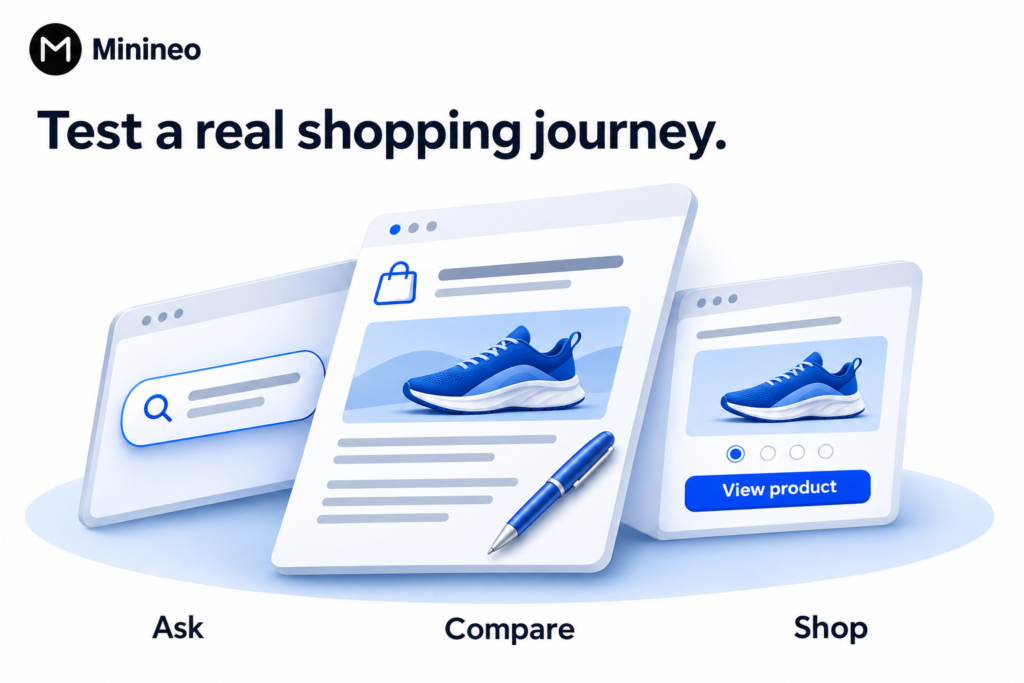
Start with three different questions
- Discovery: “Which brands sell lightweight earrings for everyday office wear in India?”
- Product research: “What should I check before buying gold-plated earrings for daily use?”
- Branded accuracy: “What is [brand]’s return policy for earrings?”
The first checks whether an unfamiliar shopper might encounter the brand. The second helps assess useful explanatory content. The third checks information about a brand the customer already knows. Keep those results separate. Use our prompt selection guide to build a set around your own customers.
Give each tool the task it claims to solve
For a content platform, create one guide and review its Shopify draft or publishing preview. For a product-optimization app, inspect changes to a few selected products. For a tracker, examine the saved answers, cited links and platform settings. For a category-research app, check whether the benchmark covers the right geography and product segment.
Do not accept invented claims such as “hypoallergenic,” “waterproof” or “lifetime warranty” unless the business can substantiate them. A fluent draft is not a source of product evidence.
Inspect the route from answer to purchase
Open any cited page and ask whether a shopper can reach the relevant products. Check the links, stock information, shipping details and return conditions. If the content gets attention but sends readers to an unrelated collection, visibility alone will not fix the buying experience.
Keep three results in your report
- Work completed: corrected product information, reviewed page updates and published guides.
- Observed discovery: brand mentions, recommendations and links in the recorded answers.
- Commercial outcomes: identifiable referral visits, add-to-cart activity and purchases where tracking supports attribution.
Record missing referral data and keep self-reported discovery separate from analytics attribution. A short trial can establish workflow fit; it cannot reliably prove that the tool caused a sales increase.
What to avoid when comparing Shopify GEO tools
Be cautious about treating schema, an AI file or a content score as proof that a product will be recommended. Google’s AI Search guidance says its AI features do not require special AI files or special structured data. That guidance applies to Google; other channels should be checked against their own documentation.
Also separate what an app generates from what a reviewer has verified. Before publishing an article, use a content quality checklist to inspect claims, links, product facts and the next action offered to the reader.
Frequently asked questions
No. An external platform can provide monitoring or connect for publishing. A native app can be useful for working inside Shopify. What matters is whether the connection supports your actual task and which store data it can read or change.
Useful articles can give buyers and search systems relevant information to find, but article count alone is not evidence of better discovery. Prioritize unanswered buying questions, accurate examples and clear links to appropriate products. Measure the resulting answers and visits separately.
It can be enough to assess a narrow task. Compare what “free” includes: a small content allowance, product optimization, a category snapshot or limited monitoring. A free trial and a permanent free plan are different offers.
No recommendation is guaranteed by the features reviewed here. Catalog eligibility, content availability and an app’s optimization score are different from observing your product in a specific answer. Check actual results for the questions your customers ask.
Choose one buying question to work on first
Find a question your product pages do not answer well, then choose the tool that helps you complete that work. If the missing piece is a buying guide, try Minineo to prepare the article, review it against your product information and publish it to your Shopify blog.