The best GEO tool for a WordPress website depends on where your work gets stuck. Minineo is worth considering for site audits and publishing, Surfer for optimizing content with a WordPress editor connection, Frase for research and CMS publishing, and OtterlyAI for monitoring AI answers and investigating citation gaps.
Before buying, choose one task you want the tool to handle. Do you need to improve existing pages, publish new ones, or find out whether AI assistants recommend your business? A useful comparison starts there.
How we selected these WordPress GEO tools
This is Minineo’s comparison, and Minineo is included. We reviewed official product pages, pricing, integration documentation and plugin listings on November 6, 2026. The recommendations below reflect documented capabilities and our assessment of which tasks they suit. They are not results from hands-on performance tests.
We selected tools with a documented role in content optimization, publishing or AI visibility monitoring. We considered the WordPress connection, editorial control, measurement and the cost of the relevant plan. The order is not a performance ranking.
Best GEO tools for WordPress: the shortlist
| Tool | Consider it for | WordPress workflow | Price reference |
|---|---|---|---|
| Minineo | Auditing a site and creating content to address gaps | Publisher plugin sends posts and pages as drafts or live content | Free plan; Pro ₹2,999/month on monthly billing. Plan details |
| Surfer | Optimizing content with guidance available in WordPress | Plugin connects posts and pages to Content Editor | Standard displayed at US$99/month, billed yearly. Plan details |
| Frase | Research, optimization and CMS publishing | Integration supports draft, scheduled and live posts | Starter US$49/month, or US$39/month billed yearly. Plan details |
| OtterlyAI | Tracking buyer questions and reviewing cited sources | External monitoring and audits; confirm a publishing connection separately if required | Lite US$29/month on monthly billing. Plan details |
These plans do not buy equivalent workloads. Surfer’s price above involves an annual commitment; the other monthly figures do not. Check taxes, renewal terms, usage allowances and any AI-platform add-ons before paying.
1. Minineo: for audits and WordPress publishing
If your team has a list of content problems but limited time to produce the fixes, Minineo is a candidate. Its feature overview covers website audits, content-gap analysis, article and page creation, and Google Analytics and Search Console connections.
The Minineo Publisher plugin sends posts and pages to WordPress as drafts or live content. It can update content it previously published without creating another post, and it imports images into the Media Library. That makes a draft-first process possible: prepare the content, send it to WordPress, then review the final page before publication.
Choose it if: you want to move from an audit finding to a reviewed article or landing page in WordPress.
Check before buying: the plugin can update content it published, but it does not take over posts originally written in WordPress. If refreshing a large existing archive is your main requirement, establish how those edits will be handled.
For tracking, the current Pro plan lists ChatGPT, Gemini and Perplexity. Claude, Google AI Overviews and AI Mode require the relevant add-on. Confirm your prompt-check allowance before setting a monitoring schedule.
2. Surfer: for content optimization in the WordPress workflow
Surfer is worth evaluating when writers and editors already work in WordPress and need optimization guidance while revising a page. Its WordPress plugin guide documents moving content between WordPress and Content Editor, including existing pages and new drafts. It also supports a connected guidelines sidebar inside WordPress.
That connection deserves a practical test on your site. The documentation names Gutenberg, Classic Editor and Elementor as fully supported editors and requires PHP 8.3 or later. Other editors or plugins that change the editing interface may need additional checking.
For measurement, Surfer’s Sources Dashboard reports domains and URLs cited in monitored AI responses. This gives an editor a source to investigate rather than relying on a content score alone.
Choose it if: improving existing articles is a regular part of your editorial process and the WordPress integration works with your setup.
Check before buying: tracking frequency. The current Standard plan lists 25 prompts refreshed weekly. The separate AI Search Analytics plan lists 50 prompts refreshed daily. Decide whether you need content tools, tracking, or both before comparing the price.
3. Frase: for research, optimization and CMS publishing
Frase is another option for teams that want to prepare content outside WordPress and send finished work into the CMS. Its integration documentation describes draft, scheduled and live publishing, featured-image uploads and support for Yoast or Rank Math metadata.
The same documentation describes importing an existing URL for optimization and connecting Google Search Console. A sensible evaluation is to bring in a real article, review the recommendations, and check what returns to WordPress.
The Starter plan lists one seat, one site, 10 articles and 50 audit pages per month. It includes SEO and GEO scoring, with AI Visibility coverage for ChatGPT and Google AI. Wider platform coverage and more team capacity depend on the plan.
Choose it if: you need a research and optimization workspace with publishing to WordPress, particularly if you also maintain another supported CMS.
Check before buying: site, seat and audit-page limits. Ask how an imported article is counted and whether your intended edits update the original URL. Those details matter more than how many drafts a demo can generate.
4. OtterlyAI: for prompt tracking and citation research
OtterlyAI fits a team that already has a working writing and publishing process but needs evidence about AI discovery. The Lite plan lists 15 search prompts, daily checks, brand analysis and citation tracking. ChatGPT, Google AI Overviews, Perplexity and Microsoft Copilot are included; Claude, Gemini and AI Mode are add-ons.
Its optimization features include crawlability checks, content audits and citation-gap analysis. These can help you investigate a missing mention and decide whether the next task belongs to an editor, developer or outreach team.
Choose it if: your main question is which buyer prompts mention your business and which sources the answers cite.
Check before buying: who will implement the recommendations. For this comparison, treat OtterlyAI as the monitoring and audit option. If direct publishing is essential, ask for a demonstration of that specific connection rather than assuming a recommendation will update WordPress.
Which tool should you choose for your WordPress site?
Shortlist based on the work you need to finish this month:
- Audit findings need new articles or landing pages: compare Minineo and Frase on the complete draft-to-publish process.
- Existing content needs regular revision: test Surfer’s editor connection and Frase’s import workflow with a page you already own.
- Publishing works, but AI visibility is unclear: evaluate OtterlyAI’s monitoring and Surfer’s tracking options against the same buyer questions.
You may need only one new subscription. If your team cannot act on a weekly report yet, adding more daily measurements will not resolve that constraint.
A WordPress trial checklist that tests the actual work
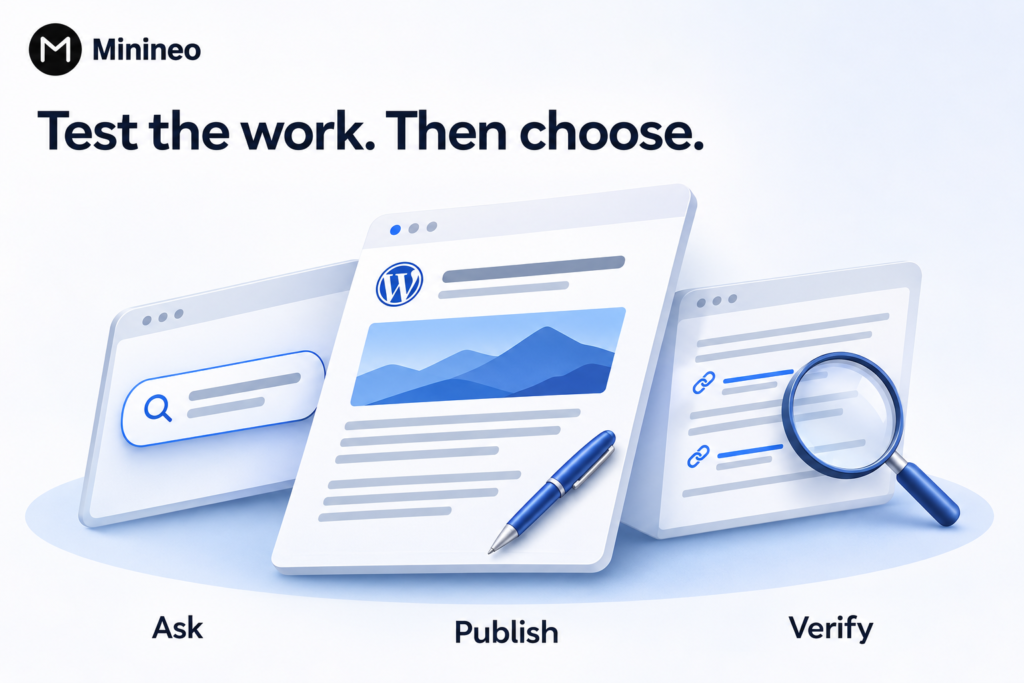
Use one real buyer question
Choose a question relevant to a service or product you sell, such as “Which appointment-booking tools work with WordPress for a small clinic?” Avoid starting with a prompt that already names your brand. Our prompt selection guide explains how to separate discovery questions from branded accuracy checks.
Try a new draft and an existing page
For a publishing tool, create a draft containing a heading, an internal link, an image and a short comparison table. Preview it on mobile. Then test a permitted update and check whether the tool preserves the intended URL, author, featured image and metadata. Use a staging site where available.
Record what the editor still has to fix
Note missing facts, unsupported claims, broken formatting and irrelevant recommendations. Compare the time required to produce a page you would approve. A fast first draft can still take a long time to verify.
Apply the same content quality checklist to every candidate. Use your own product knowledge, examples and screenshots where they help the reader make a decision.
Inspect the evidence behind tracking results
Ask to see the prompt, platform, date, answer and cited URLs. Check whether search mode, location and refresh frequency are recorded. A brand mention, a recommendation and a link to your website are different results; the report should let you distinguish them.
What a GEO tool cannot promise
A vendor’s content score is its own assessment, not an official score from Google or an AI assistant. Use it to find possible problems, then inspect the page and the recorded answers.
Google’s AI Search guidance says normal SEO practices remain relevant to AI Overviews and AI Mode. There is no special AI schema or text file required for those features. Buying a tool or adding markup does not guarantee inclusion.
For a service business, review qualified enquiries alongside observed visibility. For a software company, look at relevant signups. Keep a record of page changes so you can investigate improvements without attributing every movement to the last edit.
Frequently asked questions
Not necessarily. External monitoring tools can evaluate AI responses about a brand or public website. A WordPress connection becomes important when you want the tool to create drafts, update pages or provide guidance inside your editor.
Only if you have confirmed how the existing responsibilities will be handled. List who controls titles, canonical tags, sitemaps and structured data. Then check the proposed integration for duplicate or conflicting output before changing your setup.
Start with the task and the monthly workload. Compare Minineo and Frase for content production and publishing, Surfer for editor-connected optimization, and OtterlyAI for monitoring. Trial the exact plan you can afford with your own pages and prompts.
Start with one page you can improve
Choose a page that matters to a sale, identify the unanswered buyer question, and test whether the tool helps you produce a better answer. If auditing and publishing are your immediate priorities, try Minineo with a WordPress draft before building a larger content schedule.